Electronics engineering is no longer limited to hand calculations, manual PCB routing, or isolated simulations. The rise of Artificial Intelligence has transformed how engineers design circuits, select components, write embedded code, simulate systems, analyze failures, and document results. Today, AI tools act as intelligent co-engineers—reducing design time, minimizing errors, and enabling engineers to focus on innovation rather than repetitive tasks.
For students, AI tools accelerate learning by explaining complex concepts visually, summarizing research papers, and assisting with projects. For professionals, these tools improve productivity, design quality, and time-to-market. Whether you work in semiconductors, embedded systems, automotive electronics, IoT, power electronics, or PCB design, AI tools are becoming industry-standard.
This article presents 20 essential AI tools every electronics student and engineer should know in 2026—each explained deeply with practical use cases.
Circ AI:

If you’re into electronics, this AI tool is insane! Just describe your idea like, “Design a headphone amp with warm tube-like tone” — or even paste a SPICE netlist — and it generates the full circuit for you. You can run real SPICE simulations instantly in your browser, visualize waveforms, and validate the design. Want changes? Just say “Increase the gain to 20dB” or “Add a bypass capacitor,” and it updates and re-simulates immediately. No LTspice startup, no installation, no library hunting — just open a tab and start designing. It’s powered by ngspice, so you get real transient, AC, and DC analysis — not a toy simulator. Once validated, export directly to KiCad for PCB layout or download the raw SPICE netlist.
Link: Circ AI
1. Flux AI
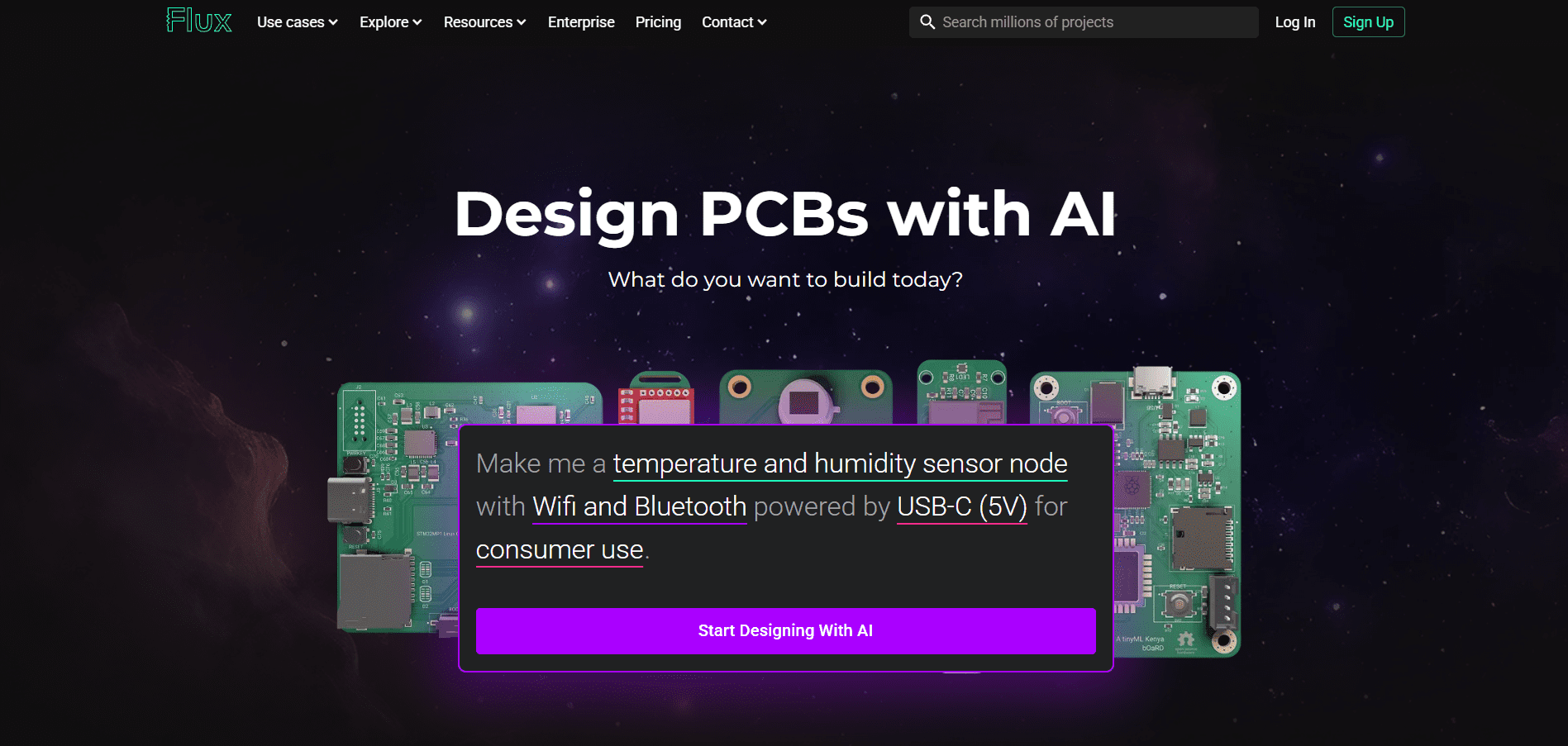
Flux AI is an AI-powered electronic design automation (EDA) platform that integrates schematic design, PCB layout, simulation, and documentation into a single intelligent environment. What makes Flux unique is its AI copilot, which understands circuit intent, reads datasheets, and provides contextual design suggestions. Instead of switching between tools, engineers can design and validate circuits faster in one workspace.
For students, Flux AI lowers the learning barrier by explaining components, suggesting alternatives, and catching common mistakes early. For professionals, it accelerates PCB design workflows and reduces iteration cycles. The collaborative nature of Flux also allows teams to work simultaneously, making it ideal for startups and fast-paced hardware teams.
Key Points:
- AI-assisted schematic and PCB design
- Intelligent datasheet interpretation
- Real-time collaboration for teams
- Automatic design checks and validations
- Ideal for students, startups, and rapid prototyping
Link: https://www.flux.ai/p
2. Circuit Mind

Circuit Mind uses artificial intelligence to generate complete circuit designs directly from system-level requirements. Engineers can describe functional needs—such as power rating, interfaces, or performance constraints—and Circuit Mind produces optimized schematics and BOMs automatically. This significantly reduces conceptual design time.
The platform is especially powerful for early-stage design and feasibility analysis. Instead of starting from a blank schematic, engineers begin with a validated design baseline. Circuit Mind also considers component availability and cost, making it valuable for manufacturable designs.
Key Points:
- Converts requirements into schematics
- Automatic BOM generation
- Optimized for cost and performance
- Reduces early-stage design errors
- Ideal for system-level designers
Link: https://www.circuitmind.io/
3. Cirkit Designer
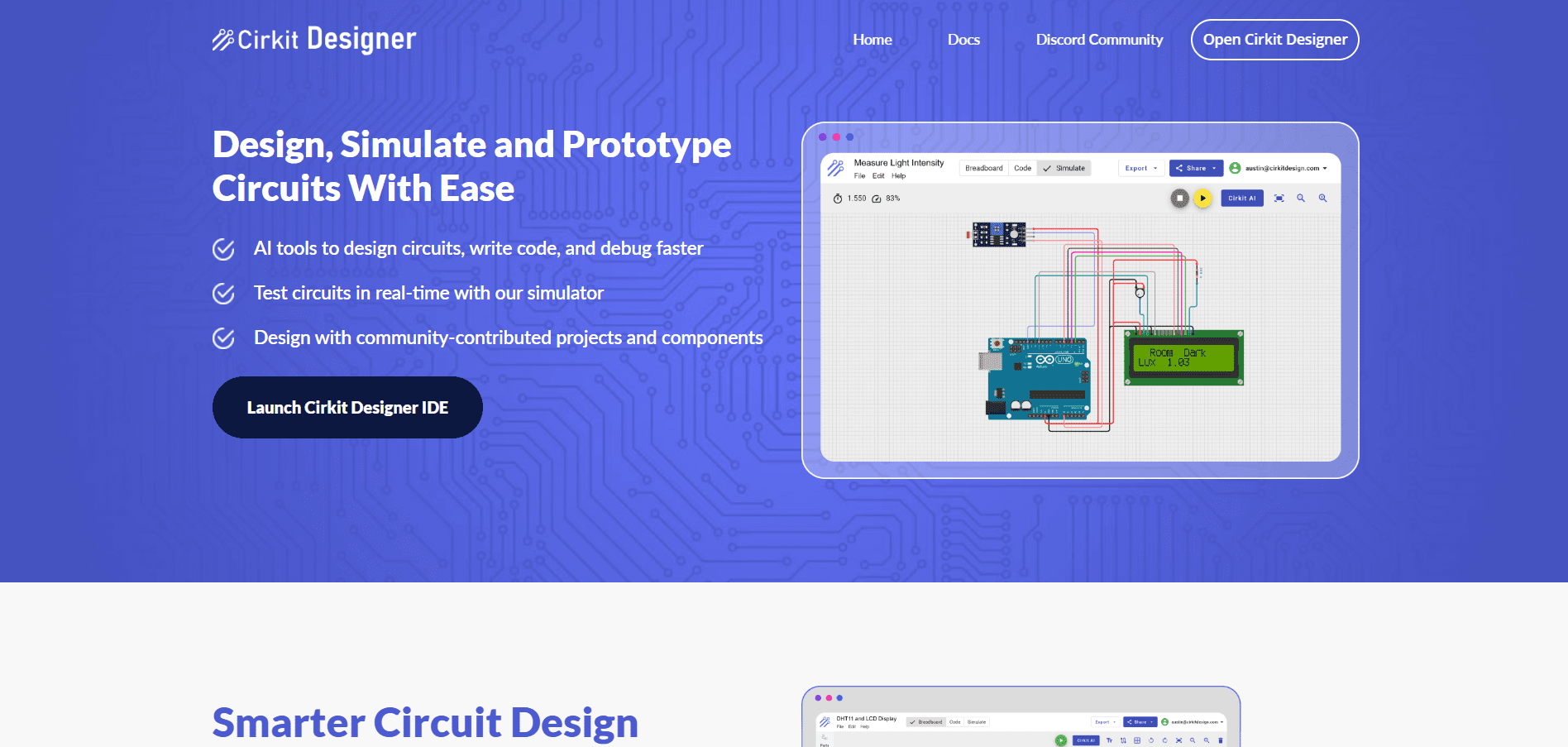
Cirkit Designer is an online circuit design and simulation platform that uses AI to simplify circuit creation and testing. It allows students and engineers to visually design circuits and simulate their behavior in real time. AI assistance helps in selecting components and validating connections.
For learners, Cirkit Designer acts like a virtual electronics lab. It removes hardware dependency while still providing hands-on experience. For educators and mentors, it’s a powerful teaching tool to demonstrate real-world circuit behavior.
Key Points:
- Online circuit design and simulation
- AI-guided component selection
- Real-time behavior visualization
- No hardware required
- Excellent for learning and teaching
Link: https://www.cirkitstudio.com/
4. JITX

JITX introduces a revolutionary approach to PCB design by using code-based hardware description. Engineers describe hardware using code, and JITX automatically generates schematics and PCB layouts using AI. This method ensures correctness, repeatability, and scalability.
For complex designs, JITX significantly reduces human errors and enables rapid iterations. It is particularly useful in advanced hardware development where design reuse and version control are critical.
Key Points:
- Code-driven hardware design
- Automatic PCB generation
- Strong design rule enforcement
- Ideal for complex systems
- Reduces manual layout errors
Link: https://www.jitx.com/
5. Celus

Celus is an AI-powered design assistant that translates system requirements into complete electronic designs. It excels at component selection by analyzing datasheets, availability, and compatibility. Engineers can focus on system architecture rather than part hunting.
Celus is widely used in industrial electronics and automation sectors. It bridges the gap between conceptual design and implementation, making it valuable for both students and professionals.
Key Points:
- Requirement-to-design automation
- Smart component recommendation
- Faster schematic generation
- Reduces dependency on manual search
- Industry-oriented workflow
Link: https://www.celus.io/
6. DeepPCB

DeepPCB is an AI-based PCB auto-routing tool that focuses on optimizing routing quality. It minimizes vias, improves signal integrity, and produces clean layouts compatible with popular EDA tools.
This tool is particularly beneficial for engineers who struggle with routing complexity. It allows them to focus on functionality while AI handles layout optimization.
Key Points:
- AI-driven PCB routing
- Minimizes vias and track length
- Improves signal quality
- Compatible with major EDA tools
- Saves significant routing time
Link: https://deeppcb.ai/
7. Quilter AI
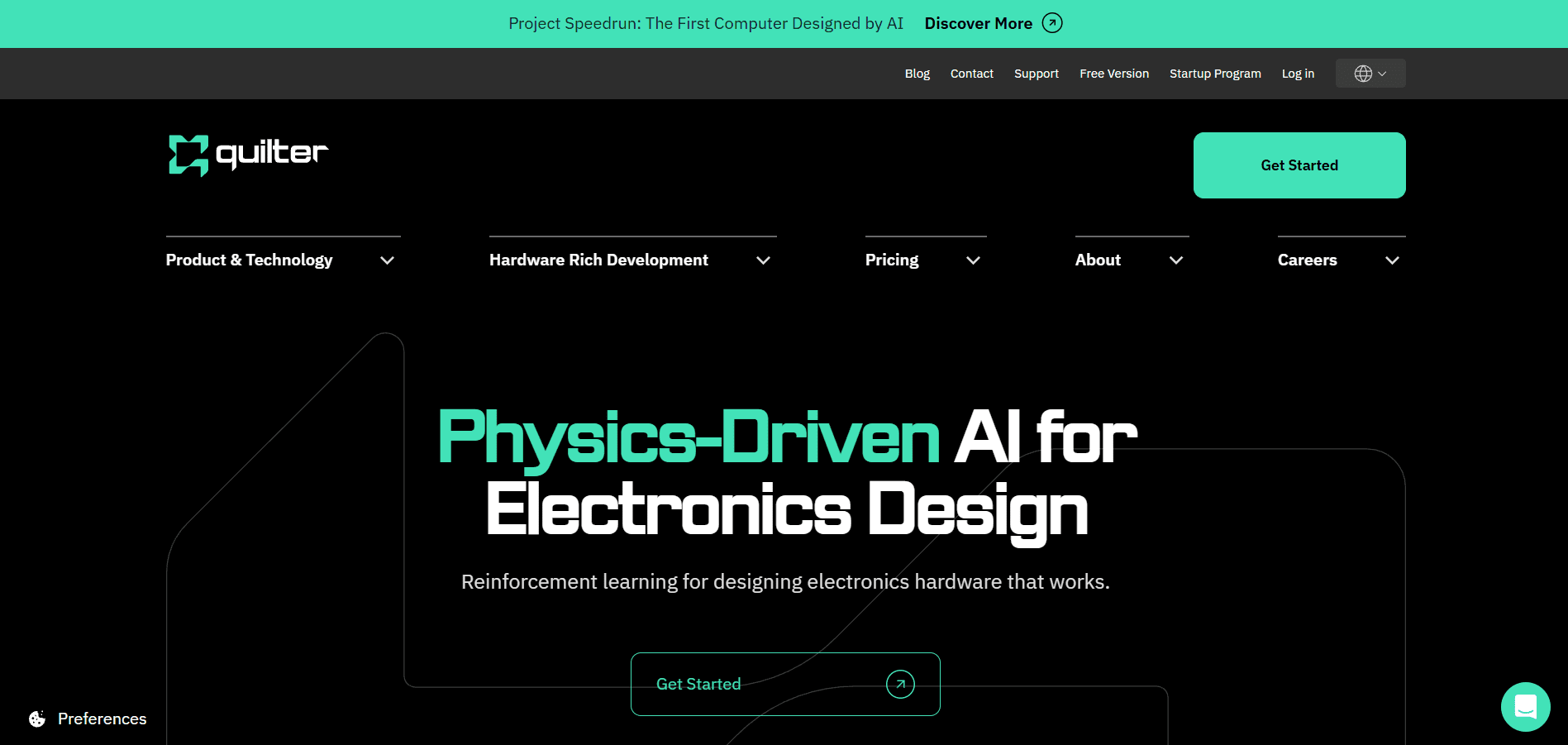
Quilter AI uses physics-aware AI models to optimize PCB component placement and routing. Unlike traditional autorouters, Quilter understands electrical constraints and manufacturing limitations.
It is highly effective for high-speed and dense PCB designs. Engineers can generate multiple layout options quickly and choose the best trade-off between performance and cost.
Key Points:
- Physics-based routing intelligence
- Optimized component placement
- Fast iteration cycles
- Manufacturing-aware layouts
- Ideal for high-speed designs
Link: https://www.quilter.ai/
8. Cady
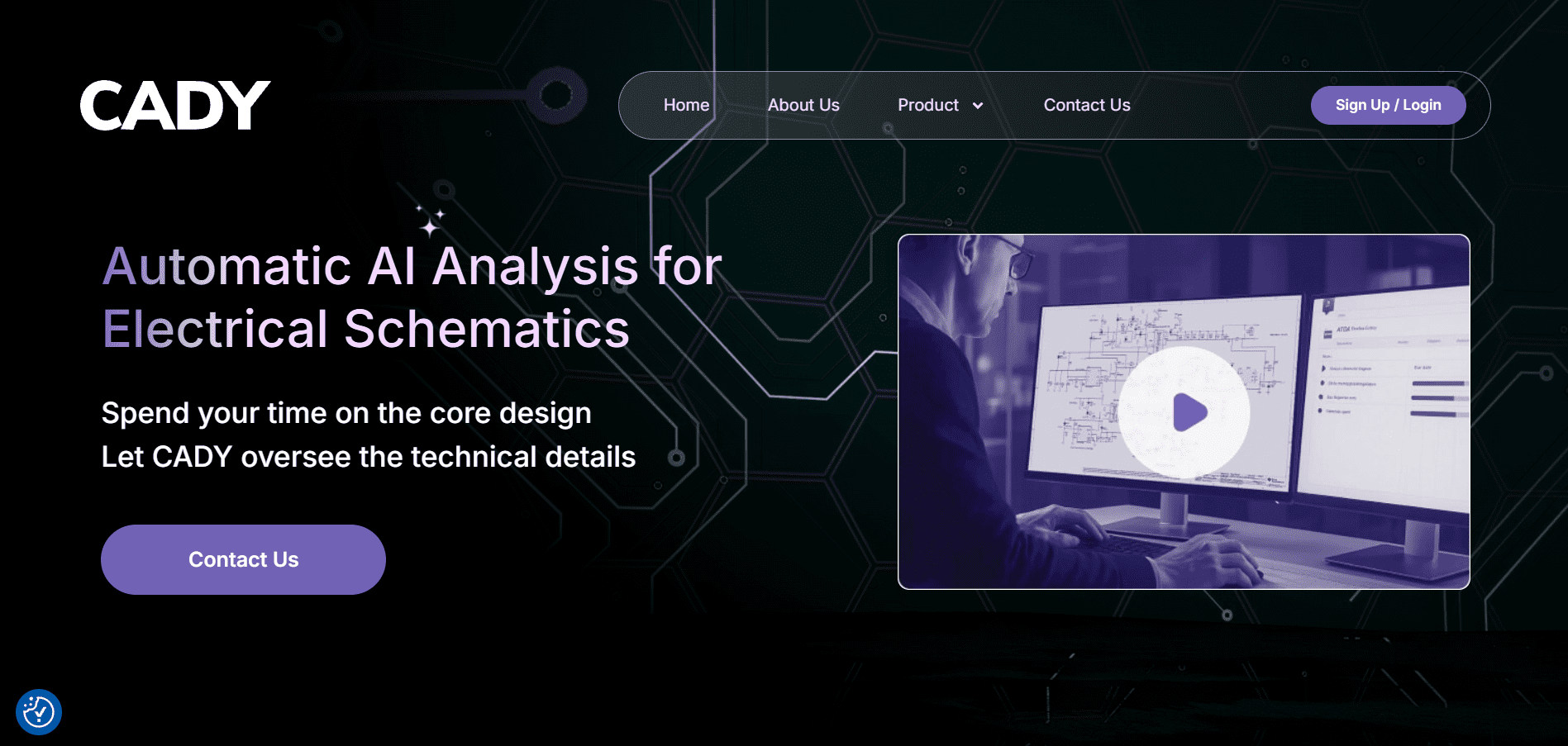
Cady is an AI schematic review and validation tool. It automatically analyzes circuit designs, reads datasheets, and flags potential errors such as incorrect pin connections or missing components.
For students, Cady acts as an automated mentor. For professionals, it functions as an intelligent design reviewer, reducing costly mistakes before fabrication.
Key Points:
- Automated schematic validation
- Datasheet-aware error detection
- Early fault identification
- Reduces rework and cost
- Acts as a virtual design reviewer
Link: https://cadysolutions.com/
9. SnapMagic
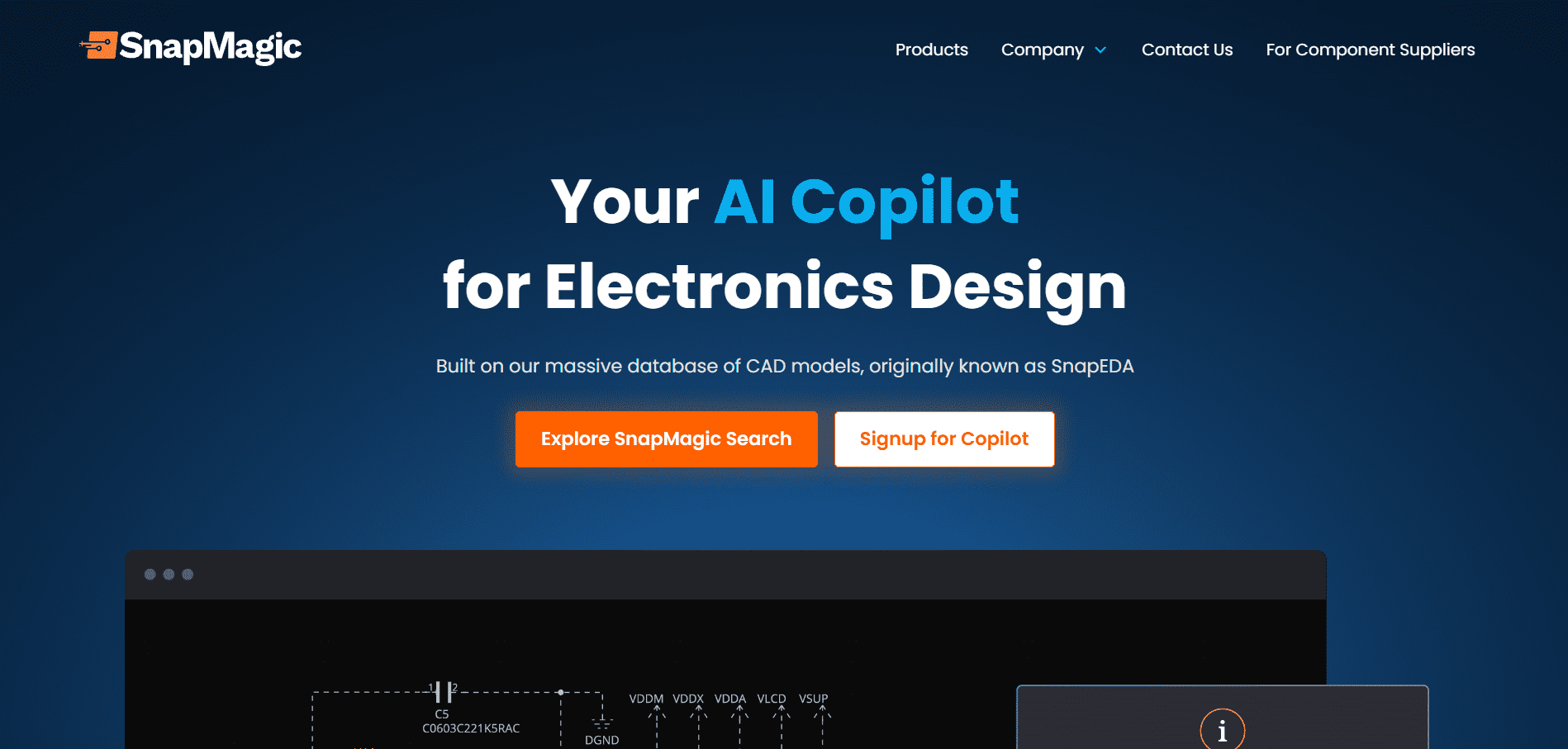
SnapMagic is an AI copilot for PCB designers that integrates component sourcing, BOM optimization, and design intelligence. It helps engineers choose parts based on availability and lifecycle status.
In an era of supply-chain uncertainty, SnapMagic ensures designs are manufacturable. It is especially valuable for startups and small teams.
Key Points:
- AI-assisted component sourcing
- BOM optimization
- Supply-chain intelligence
- Reduces obsolete part risk
- Startup-friendly tool
Link: https://www.snapmagic.com/
10. Zenode AI
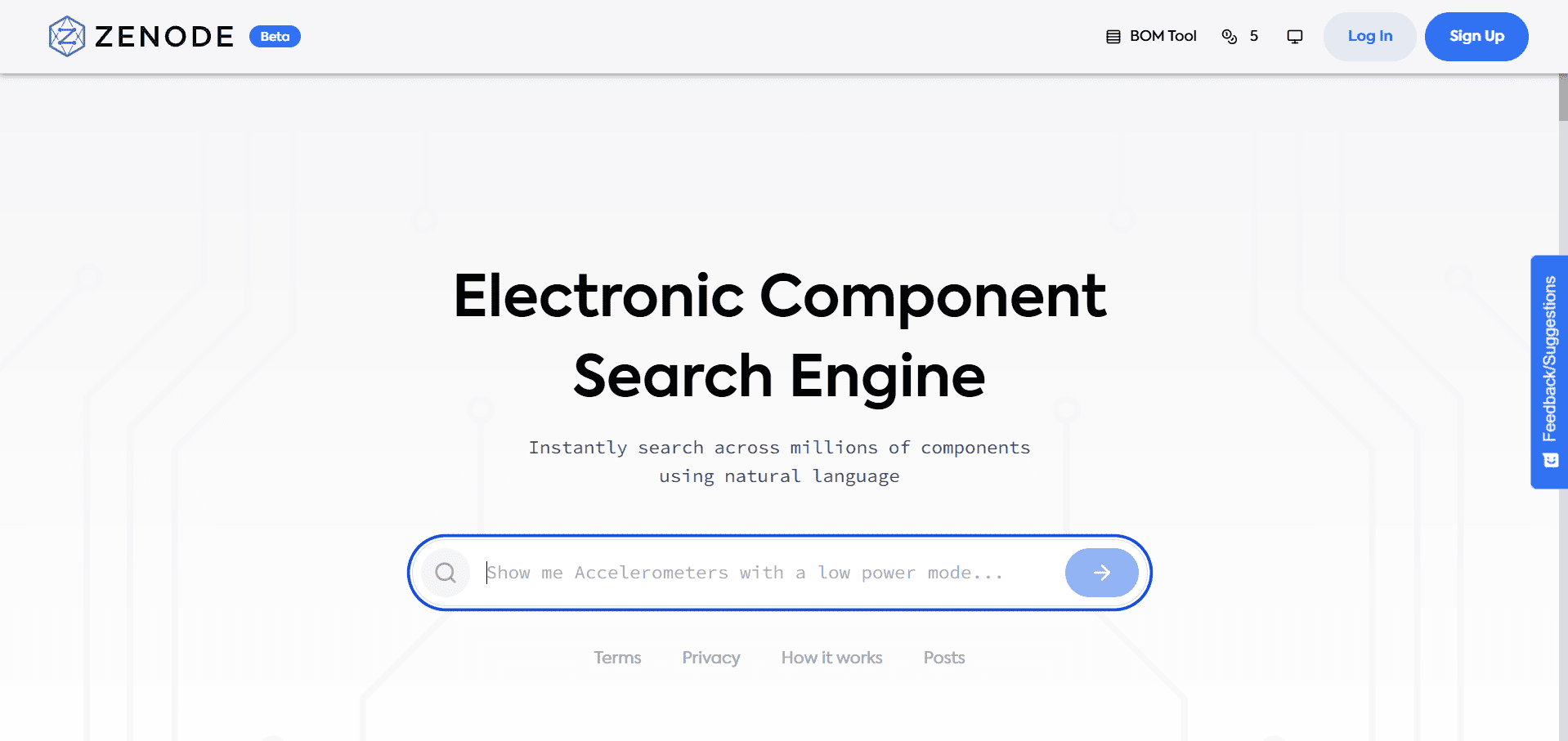
Zenode AI is an intelligent component search engine that understands natural language queries. Engineers can search for components based on functional descriptions rather than part numbers.
This dramatically reduces time spent browsing datasheets. Zenode is extremely useful during early design phases and for students unfamiliar with component catalogs.
Key Points:
- Natural language component search
- Smart datasheet parsing
- Faster component discovery
- Ideal for beginners
- Saves design research time
Link: https://zenode.ai/
11. Agnisys

Agnisys uses AI to automate specification generation in semiconductor and SoC design. It converts high-level requirements into detailed technical documents.
This tool is widely used in VLSI and chip design workflows. It ensures consistency and accuracy in specifications, which are critical for large engineering teams.
Key Points:
- AI-generated specifications
- Used in semiconductor design
- Improves documentation accuracy
- Saves engineering time
- Enterprise-grade solution
Link: https://www.agnisys.com/
12. Zuken AI-Assisted EDA

Zuken integrates AI into its EDA suite for multi-discipline electronic design. It supports electrical, mechanical, and manufacturing collaboration.
The AI features improve routing efficiency and design consistency. Zuken is widely used in automotive and industrial electronics.
Key Points:
- AI-assisted EDA workflows
- Multi-discipline support
- Automotive-grade reliability
- Improves collaboration
- Enterprise-ready platform
Link: https://www.zuken.com/us/blog/ai-driven-eda-harnessing-the-potential-of-artificial-intelligence/
13. Consensus AI
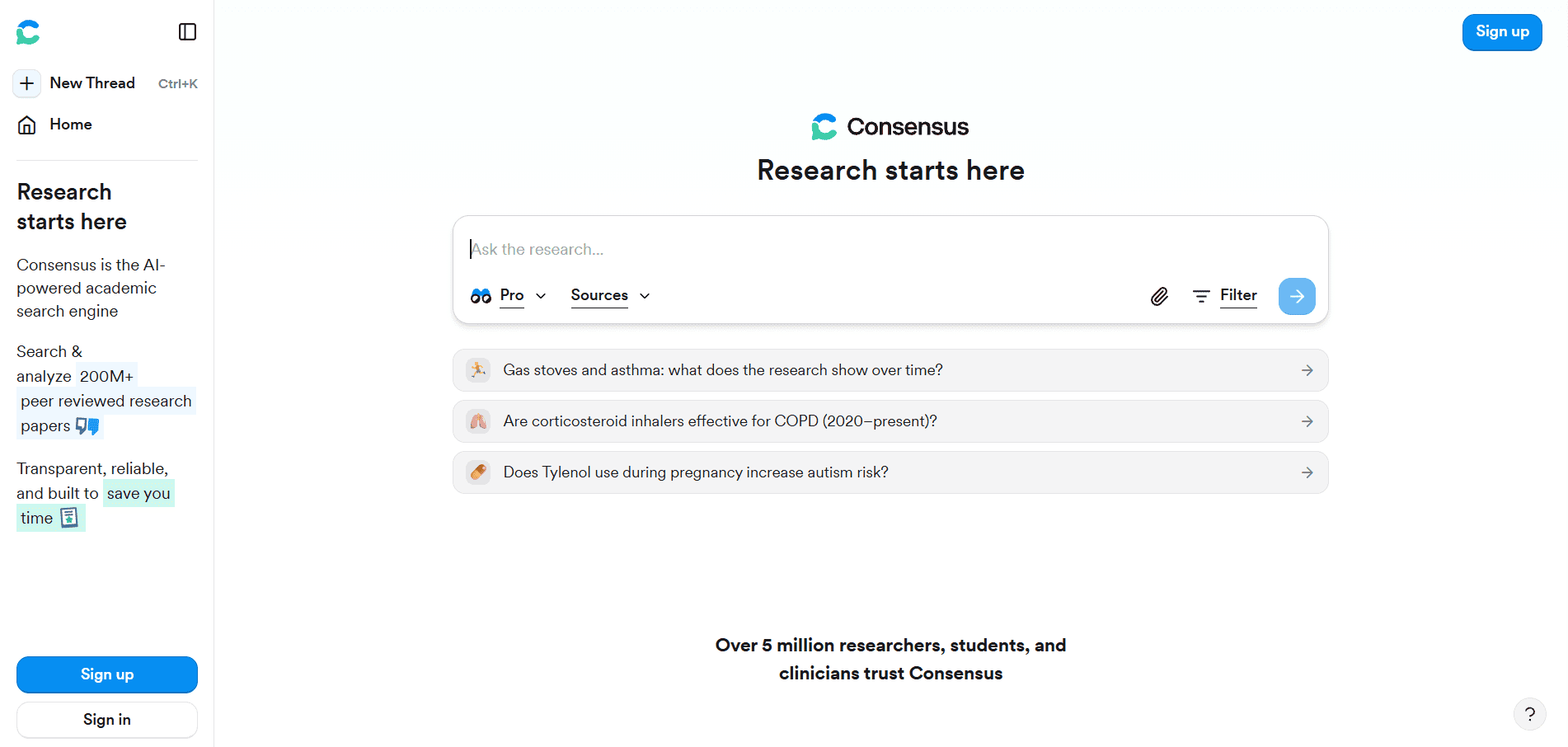
Consensus AI is a research paper search engine that extracts evidence-based answers from scientific literature. It helps students and engineers quickly understand research trends.
Instead of reading dozens of papers, engineers can get summarized insights instantly. This is extremely useful for thesis work and R&D.
Key Points:
- Research paper summarization
- Evidence-based answers
- Saves literature review time
- Ideal for MTech/PhD students
- AI-driven academic assistant
Link: https://consensus.app/
14. SciSpace
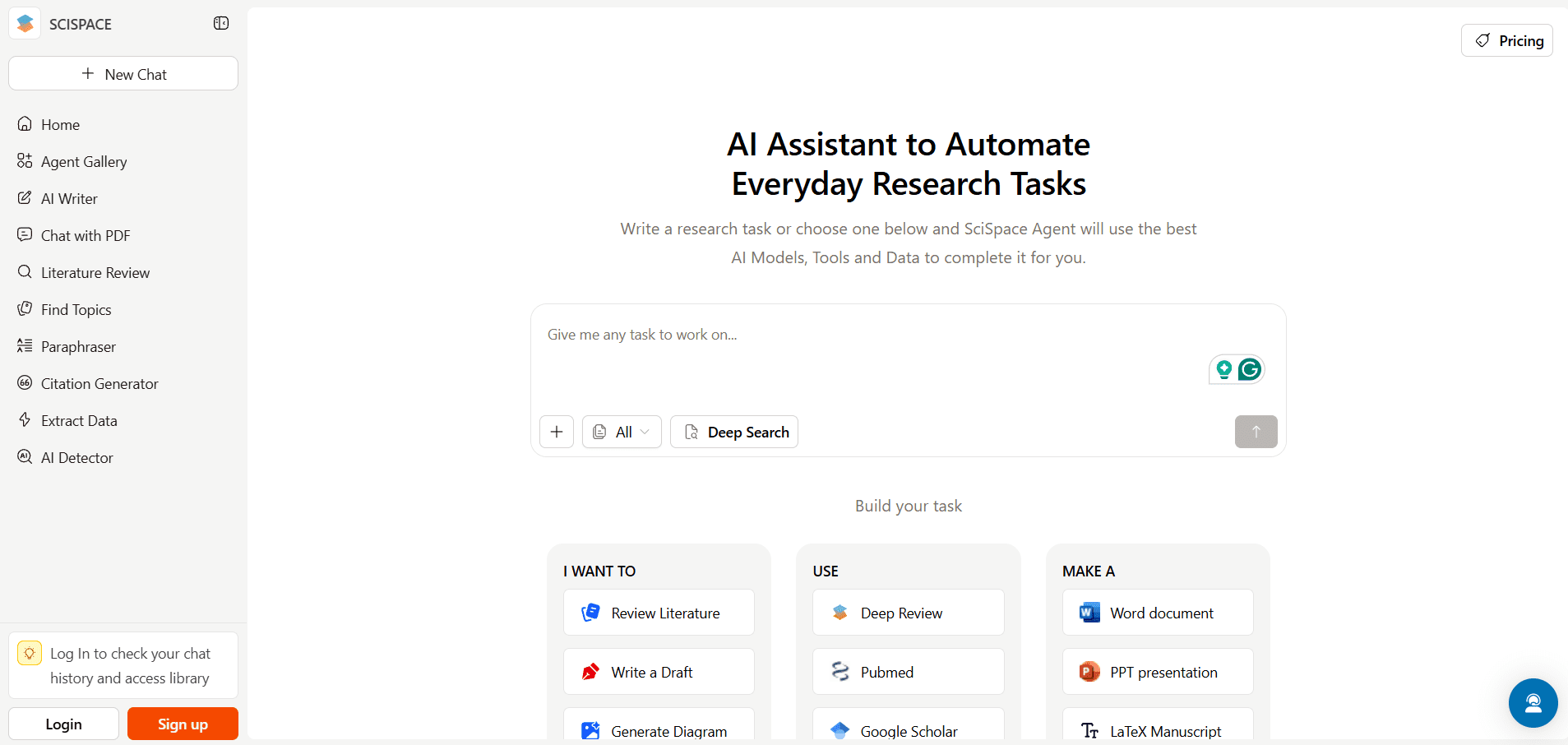
SciSpace helps users read, understand, and summarize complex scientific papers. It explains equations, figures, and technical jargon in simple terms.
This tool bridges the gap between theory and understanding. It is invaluable for students dealing with advanced electronics research.
Key Points:
- AI-powered paper explanation
- Simplifies complex equations
- Improves research comprehension
- Great for academics
- Accelerates learning
Link: https://scispace.com/
15. ChatGPT (Custom GPTs)

ChatGPT acts as a universal AI assistant for electronics engineers. It helps with embedded code, debugging, explanations, documentation, and idea validation.
When used correctly, it significantly boosts productivity. Engineers can create custom GPTs tailored to embedded systems, power electronics, or VLSI.
Key Points:
- Embedded coding support
- Concept explanations
- Debugging assistance
- Documentation generation
- Customizable for domains
Link: https://customgpt.ai/
16. AskSia Electronics AI

AskSia is an AI learning assistant designed specifically for electronics education. It visually explains circuits, laws, and signal behavior.
Students benefit from interactive explanations that improve conceptual clarity.
Key Points:
- Visual electronics explanations
- Concept-focused learning
- Interactive responses
- Student-friendly
- Ideal for fundamentals
Link: https://www.asksia.ai/ai-college/electronics-ai
17. GitHub Copilot
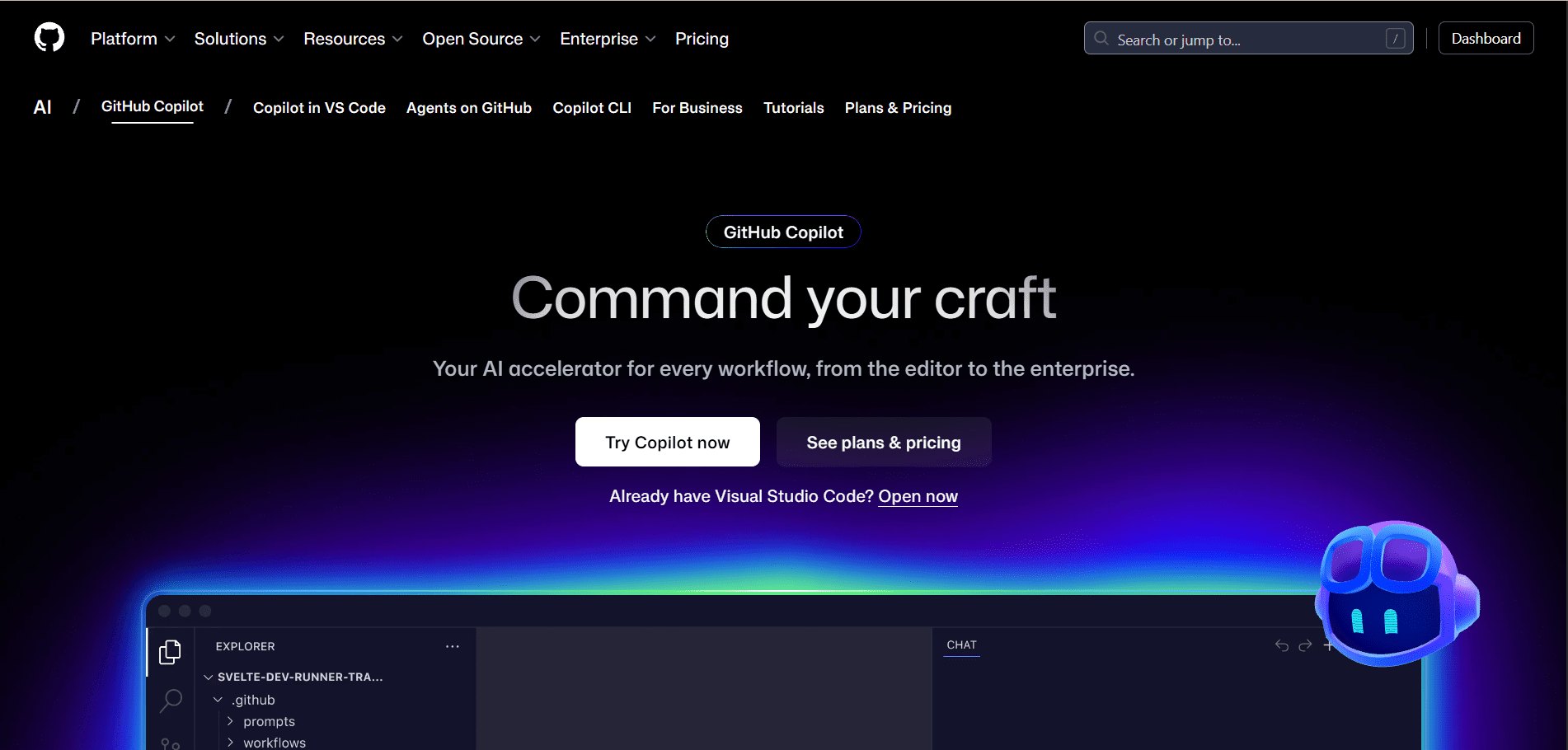
GitHub Copilot is an AI coding assistant that suggests real-time code completions. For embedded engineers, it accelerates firmware development.
It supports C, C++, Python, and more—making it perfect for microcontroller projects.
Key Points:
- AI code suggestions
- Supports embedded languages
- Faster firmware development
- Reduces syntax errors
- Industry-standard tool
Link: https://github.com/features/copilot
18. Overleaf AI
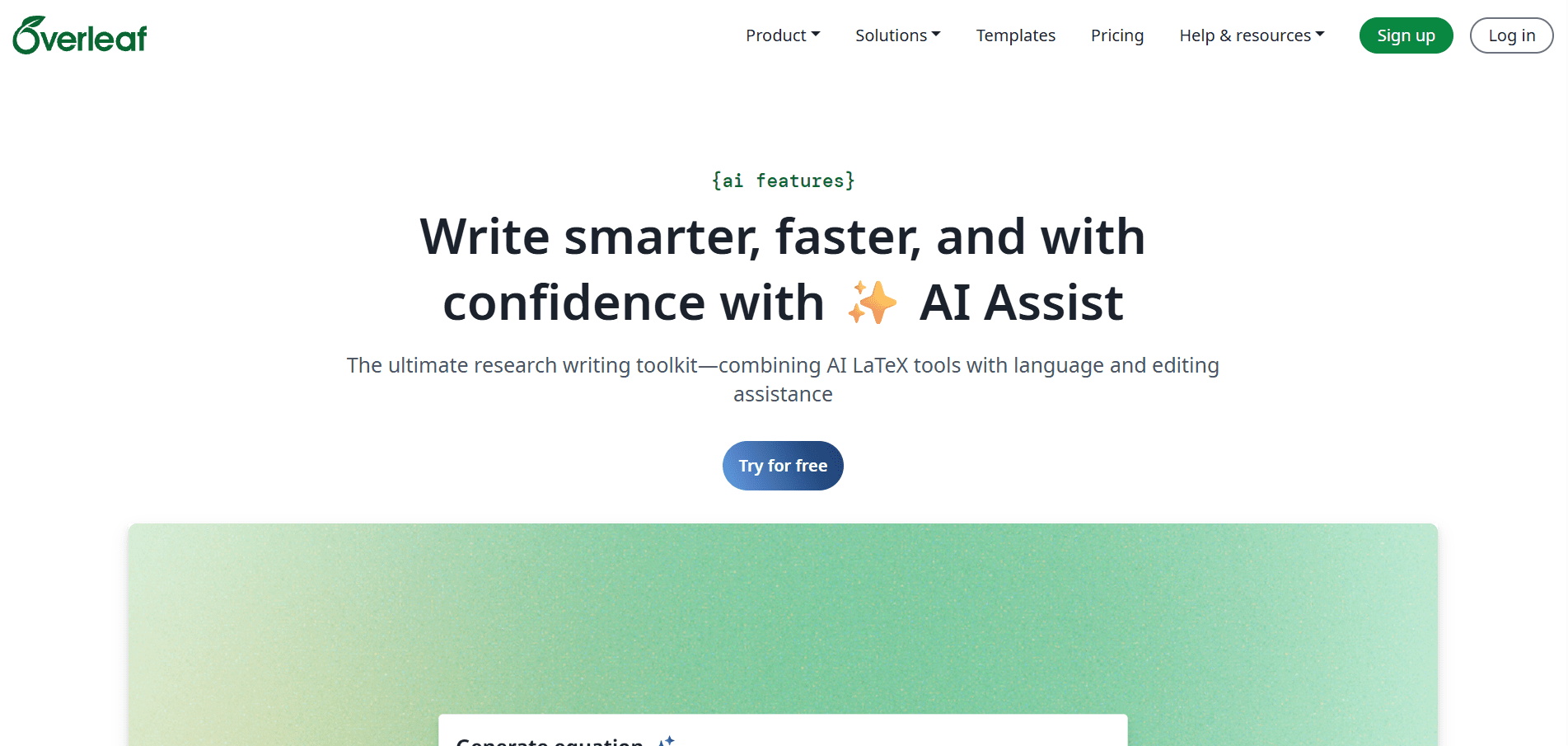
Overleaf AI assists with technical writing using LaTeX. It helps engineers write reports, theses, and research papers efficiently.
It ensures professional formatting and reduces documentation effort.
Key Points:
- AI-assisted LaTeX editing
- Technical document support
- Academic-friendly
- Reduces formatting issues
- Ideal for research writing
Link: https://www.overleaf.com/about/ai-features
19. Wolfram Alpha / Mathematica

Wolfram tools provide AI-powered mathematical computation and simulation. They are widely used for signal processing, control systems, and circuit analysis.
These tools bridge mathematics and electronics seamlessly.
Key Points:
- Advanced computation engine
- Circuit and signal analysis
- Control system modeling
- Accurate simulations
- Research-grade tool
Link: https://www.wolfram.com/mathematica/
20. Notion AI
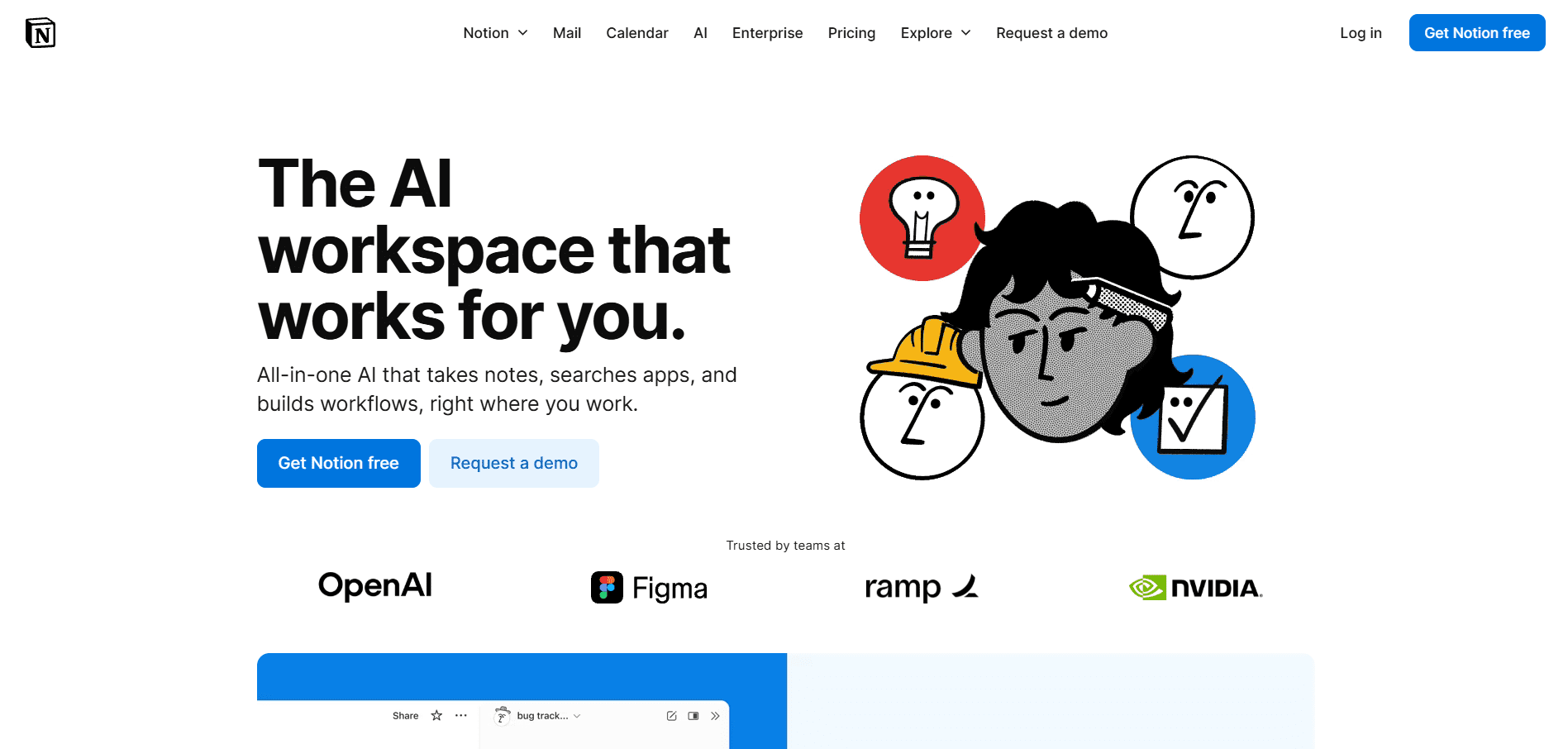
Notion AI helps engineers organize notes, projects, and documentation. It turns unstructured information into actionable knowledge.
For students and teams, it becomes a centralized engineering knowledge base.
Key Points:
- AI-powered note management
- Project documentation
- Knowledge organization
- Team collaboration
- Productivity booster
Link: https://www.notion.com/product/ai
Final Conclusion
AI tools are no longer optional for electronics engineers—they are essential. Mastering these 20 tools will significantly improve learning speed, design quality, and career growth. The engineers who combine strong fundamentals with AI-assisted workflows will lead the next generation of innovation.
Thanks for reading.
Also, read:
- India’s GaN Chip Breakthrough: Why Gallium Nitride Could Shape the Future of Defense Electronics
- India’s Chip Era Begins: A New Chapter in Semiconductor Manufacturing
- FlexRay Protocol – Deep Visual Technical Guide
- Top 50 AI-Based Projects for Electronics Engineers
- India AI Impact Summit 2026: The Shift from AI Hype to AI Utility
- Python Isn’t Running Your AI — C++ and CUDA Are!
- UDS (Unified Diagnostic Services) — Deep Visual Technical Guide
- Automotive Ethernet — Deep Visual Technical Guide